


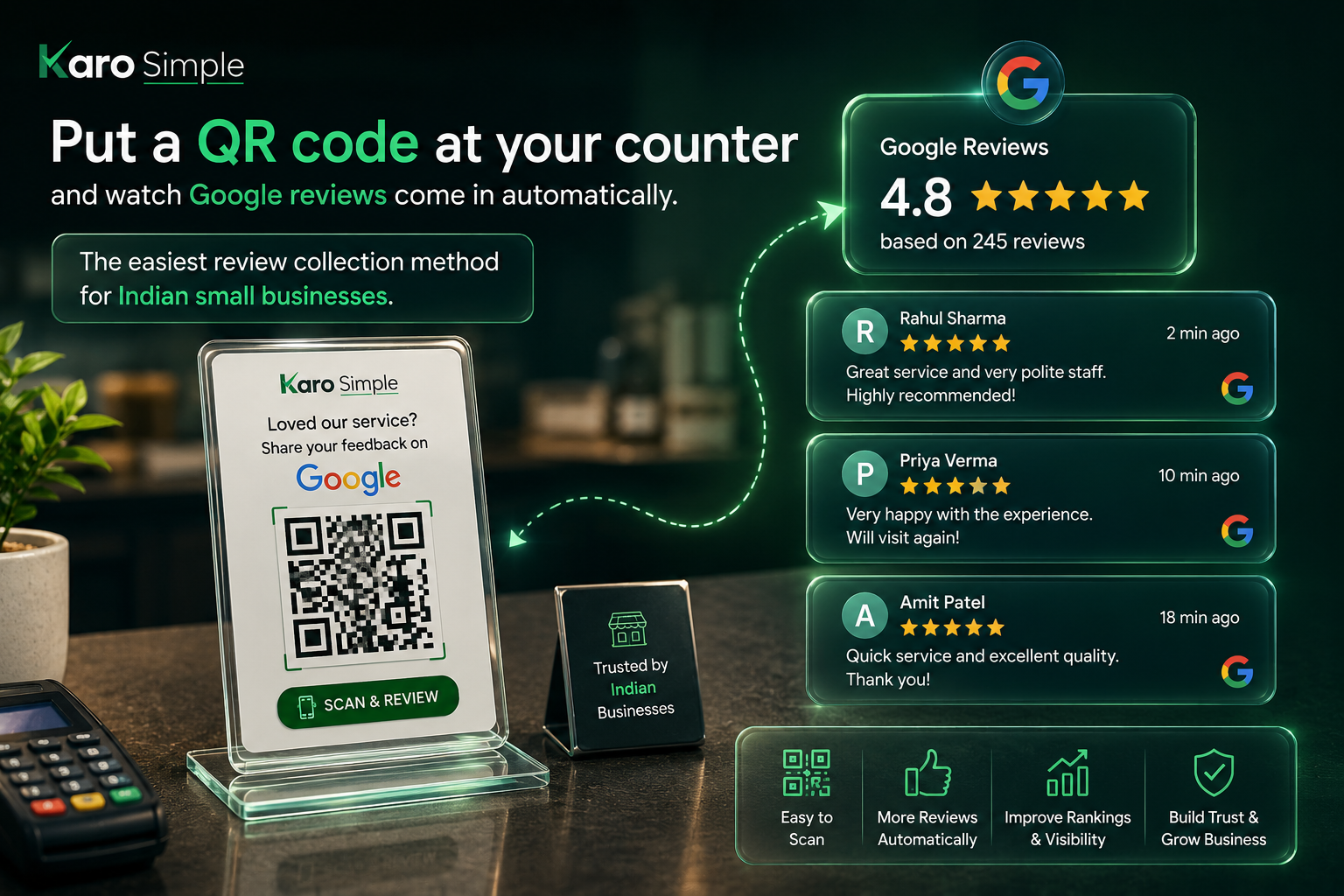
QR Code for Google Reviews: The Easiest Way to Collect Reviews at Your Counter

QR Code for Google Reviews: The Easiest Way to Collect Reviews at Your Counter
You just served a happy customer. They loved your food, your service, everything. They walk out. And you never hear from them again.
No review. No rating. Nothing.
This happens to every business owner, every single day. Not because customers don't want to help but because nobody made it easy for them. That's exactly what a QR code fixes.
What Even Is a QR Code for Google Reviews?
Simple. It's a scannable square code like the ones you see on Paytm or Phonepe but when someone scans it, it takes them directly to your Google review page.
No searching. No typing your business name. No confusion.
One scan → review page opens → they write and submit. That's it.
Why This Works So Well
Think about how you currently ask for reviews. You either say "Please give us a review on Google" verbally and the customer nods and forgets by the time they reach the parking lot. Or you send a WhatsApp message which gets ignored between 47 other notifications. A QR code at your counter works differently. It's right there, in front of them, when they're still happy and still in your shop. That's the perfect moment. You don't even have to ask. Just keep it visible. Customers scan on their own.
Where to Put It
Keep it at your billing counter that's where every customer stands before leaving. That's your golden window. You can also put it on your menu, your receipt, your visiting card, or even stick it on your shop's glass door. The more places it lives, the more reviews come in.
Does It Really Make a Difference?
Yes. Big difference.
A restaurant owner in Nagpur went from 23 reviews to 190 reviews in 3 months just by placing a printed QR code stand at their cash counter. No ads. No reminders. Just the code sitting there doing its job. Google noticed. Their ranking in local search went up. More people found them. More people walked in.
One small piece of paper. Real business results.
How to Get One for Your Business
You can create a Google review QR code in minutes. Get your Google review link from your Google Business Profile, paste it into any QR code generator, download the image, and print it.
Put it in a small standee at your counter and you're done.
Or if you want it to look professional, track how many scans you're getting, and manage reviews from one place that's exactly what Karo Simple does. We create your review QR code, make it look good, and help you collect better reviews every day.
The Bottom Line
Happy customers don't leave reviews because nobody made it easy.
A QR code at your counter makes it so easy that they actually do it.
Print one today. Place it where every customer can see it. And watch your Google rating grow one scan at a time.
Related Articles
Comments (0)
No comments yet. Be the first to share your thoughts!